
What is a Banner?
A banner is the first layer that informs users about cookie usage and collects their consent preferences. Bildirt CMP starts working immediately after installation with a default active banner.
Users can accept all, reject all, or navigate to the preference panel to make detailed selections.
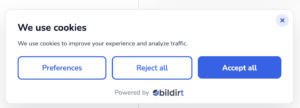
Banner Components
- Informational text
- Accept button
- Reject button
- Manage preferences link
These components can be customized via the dashboard.
Preference Panel (Preference Center)
The preference panel provides users with detailed, category-based control. Users can enable or disable consent for each category individually.
- Category descriptions are displayed
- Permissions can be enabled or disabled via toggle switches
- Selections are applied باستخدام the save button
Ready Templates
Bildirt CMP offers ready-made banner templates suitable for different use cases. These templates help achieve quick setup and consistent design.
- Select a ready template
- Apply with one click
- Customize further if needed
Creating Banner Templates with AI
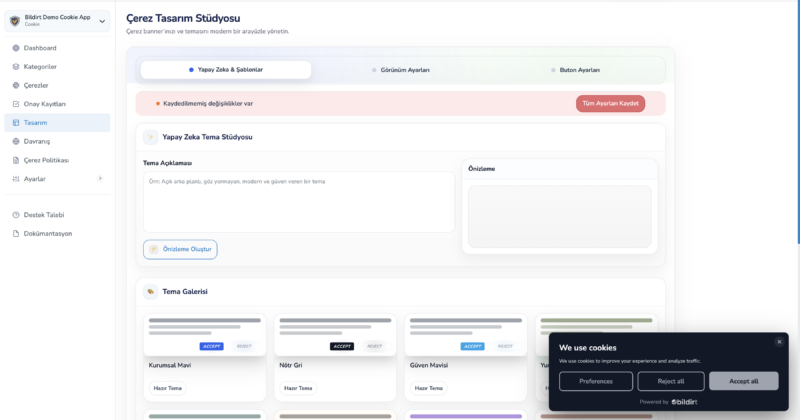
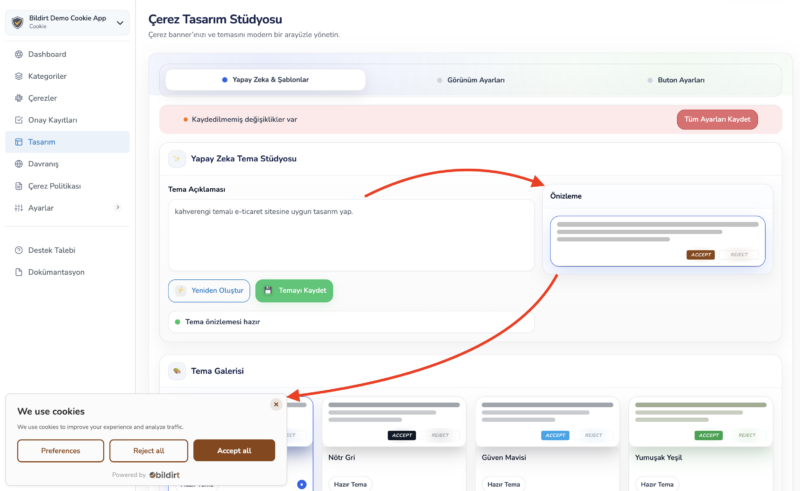
Bildirt CMP also allows you to generate banner designs using AI. By entering a short prompt in the dashboard, you can create a banner template that matches your website’s style.
The AI-generated template can then be edited; colors, buttons, position, and texts can be modified via the dashboard.
- Enter a prompt (e.g., your website’s industry, style, color approach)
- AI generates the design and shows a preview
- Apply the generated template
- Edit manually if needed
Design Customization
The banner and preference panel design can be adjusted to match your brand identity.
- Color settings
- Button styles
- Position settings (bottom, top, center)
- Spacing and border radius
- Dark / light theme
Multi-language Support
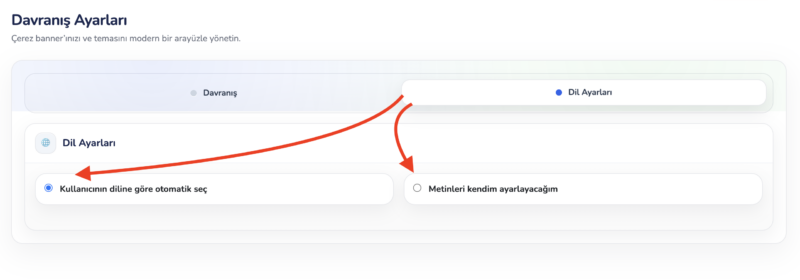
The banner and preference panel can be displayed in multiple languages. The system can automatically detect the user’s browser language.
- Add and edit languages
- Automatic language detection
- Text customization
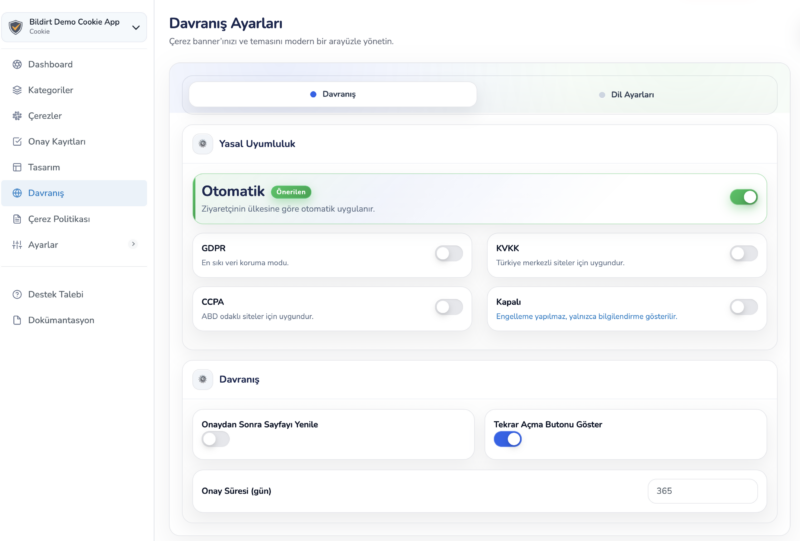
Behavior Settings
Banner behavior can be configured according to regulations and your website’s needs.
- Re-display duration
- Close behavior
- Regional display rules
User Experience Recommendations
- Keep texts clear and simple
- Design buttons with equal visibility
- Provide easy access to the preference panel
- Make sure to test on mobile devices
- After generating templates with AI, always review buttons and texts