
How Does Consent Management Work?
Bildirt CMP does not only record user preferences visually. It technically updates the consent state based on user choices and controls the execution of related scripts accordingly.
By default, all consent categories are initialized as “denied”. After the user makes a choice, the system records and logs this preference and transmits the required signals to relevant service providers.
Default Consent State
- The system initializes all categories as denied on first load.
- Analytics and advertising scripts do not run without user consent.
- This structure ensures technical compliance with regulations.
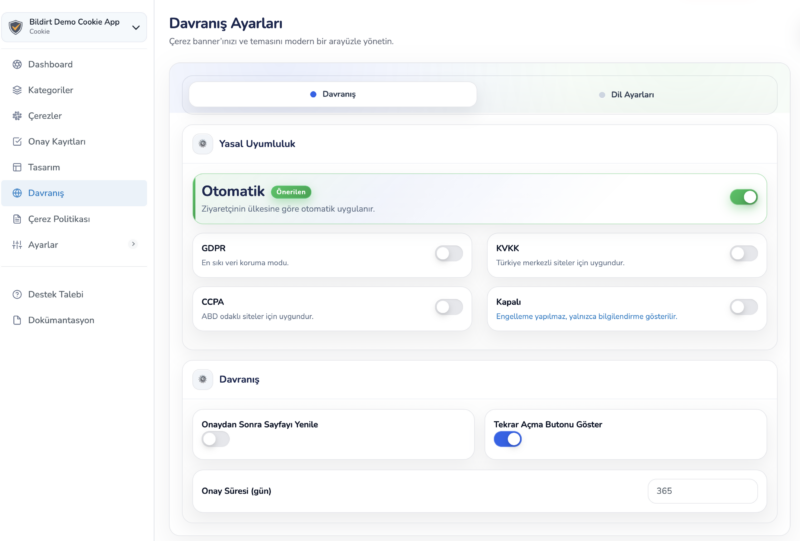
Consent Categories
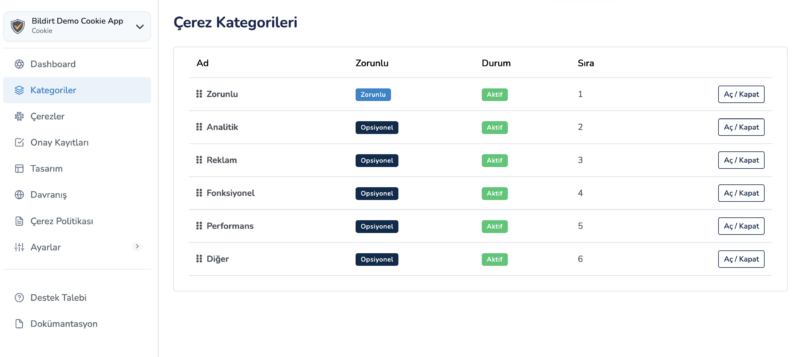
Consent management operates based on categories. Each category represents a different data processing purpose.
- Necessary
- Analytics
- Marketing
- Preferences
The Necessary category cannot be disabled. Other categories can be enabled based on user preferences.
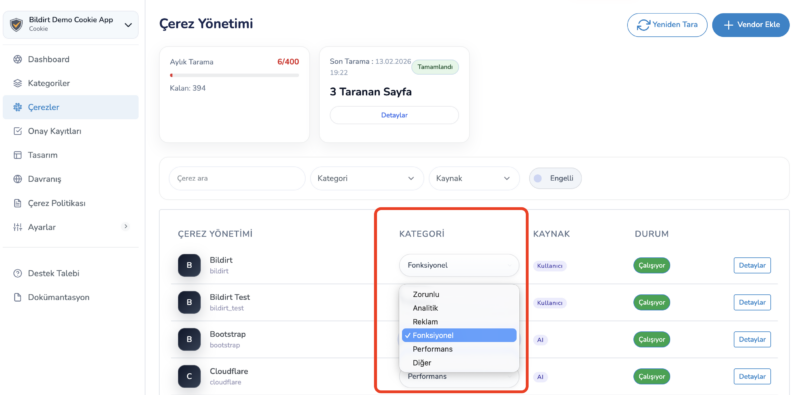
Conditional Script Execution
Bildirt CMP controls scripts based on categories. If a script is linked to a specific category, it will not run without user consent.
- Consent is checked
- If permission is granted, the script is triggered
- If permission is not granted, the script is blocked
This system applies to both manually added scripts and Google services.
Consent Update Flow
When a user changes their preferences, the system updates the consent state in an event-based manner.
- Consent state is updated
- Google Consent Mode signals are re-sent
- Scripts are restarted or stopped if necessary
This process can occur without a page refresh.
Consent Logging and Proof Storage
Each user preference is recorded with a timestamp.
- Date and time
- IP information (masked)
- User preference details
- Consent version
These records can be used as proof when needed.